
How the Bulin 47 AI prompt uses the reference video
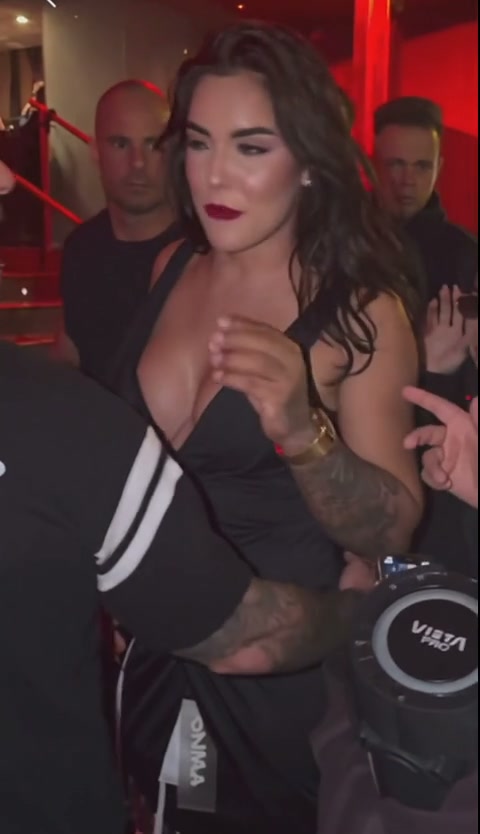
Open the Bulin 47 AI video generator and watch the original demonstration. The reference supplies the event scene, gestures, red lighting and camera movement. Your photo identifies the person who should take the lead role. The prepared instructions connect that photo to one performer in a crowded shot.
The studio takes the performance from its first frame. You can select the opening 5, 12 or 23 seconds, but you cannot choose a later starting point, upload a different performance or replace the instructions with a custom paragraph. A scene description in a general video app is a different workflow and may produce a different setting.
Assign your photo to the performer, not the person filming
The target is the central performer wearing black sunglasses and a pale pink shirt in the original clip. People stand behind him, while other people and phones sometimes cross the foreground. The prompt asks the model to keep the replacement identity recognizable through side views and partial obstruction.
The surrounding people are meant to remain separate and unchanged. There is one portrait slot; it does not assign your face to every person in the crowd. If an output puts the reference identity on a foreground person, that is a result to inspect, not another role you selected.
| Input or control | What it provides |
|---|---|
| One portrait | The identity for the central performer |
| Prepared video | The performance, setting, camera sequence and source sound |
| Duration | The first 5, 12 or 23 seconds of that reference |
| Resolution and frame | Output quality, composition and the displayed credit quote |
Use the prompt as a role checklist
You can read the intended edit in plain language: recast the central performer with the person in the portrait; follow that identity through the selected segment; retain the surrounding people and event scene; preserve the reference movement and opening. The workflow also restores audio from the matching source cut.
This is an explanation of the prepared edit, not a separate copy-and-paste control. Typing a new role description elsewhere cannot change the portrait slot in this studio. Select a photo whose face is easy to distinguish, then compare the completed performer with that same photo.
A prompt sets the intention; the result still needs review
The model can change a face after a turn, lose detail when a phone passes in front, or alter hands and background faces. More instructions do not make those moments automatically correct. Watch the whole selected segment and compare the lead with the people nearby.
The original audio is restored after generation. That keeps the source soundtrack in the intended output, but it does not guarantee exact mouth movements or create new lyrics. If the face looks different, identify whether the issue begins with the photo, the assigned role, an occlusion or the crop before considering another paid request.
Review identity and motion problems · Understand the original-audio workflow
Questions about the Bulin 47 template prompt
Do I need to paste a Bulin 47 AI prompt?
No. EasyVideoAI supplies the prepared instructions and reference clip. Your inputs are the portrait, source length, resolution, frame and photo permission.
Can I upload a second photo for the crowd?
This template has one portrait slot for the central performer. It does not offer a separate crowd reference or a custom instruction field.
Can the prompt make the performer say my own words?
This studio restores the original source sound. It does not include a lyrics field, voice cloning or a custom dialogue control.
Check the role before you submit
A useful Bulin 47 AI prompt starts with a clear role assignment. In this template that assignment is already prepared, so spend your attention on the photo, the selected segment and the final quote. The step-by-step Bulin 47 guide walks through those controls. A new attempt uses credits, even when you are trying a different portrait.
Reviewed against the EasyVideoAI studio on October 25, 2026. Check the live studio for current availability and the final credit quote.