
What can you try without starting a paid video?
Open the studio, compare both stunt demonstrations and watch the separate completed cases. You can inspect the scene, read the car-photo requirements and compare framing before submitting a generation. Viewing a demonstration does not create a personalized result.
Uploading a car photo or selecting an example does not by itself submit the model request. Review your chosen vehicle, stunt, resolution and credit quote before the final generation confirmation. Account balance and credit purchase are separate from the act of generating.
How the two stunt quotes are calculated
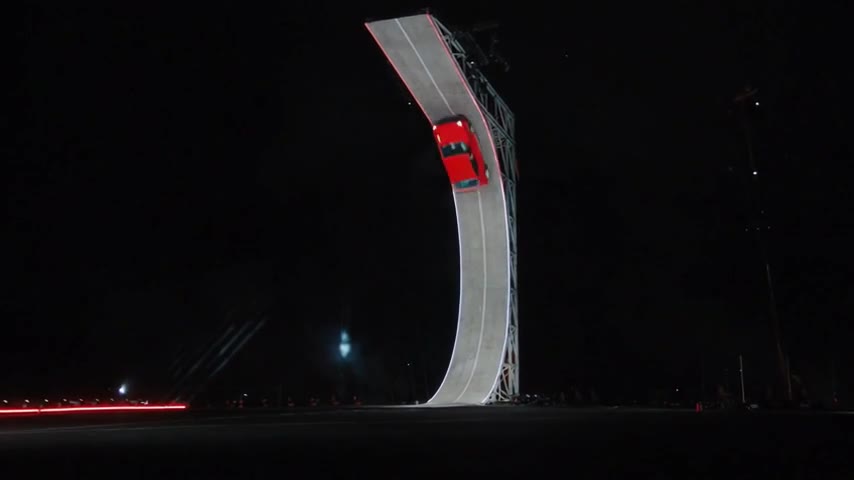
This template uses started seconds. Ramp Flip’s approximately 8.03-second picture uses nine billed seconds. Side Kickflip’s approximately 4.77-second picture uses five. The default rate is 80 credits per started second at 480p or 180 at 720p; the live studio quote is the final amount to review.
The table describes generation credits, not US-dollar pack prices or another Flying Car website’s offers. Check EasyVideoAI’s pricing page for the currently available purchase options and your existing balance before deciding whether you need a pack.
| Stunt | Billed seconds | 480p | 720p |
|---|---|---|---|
| Ramp Flip | 9 | 720 credits | 1,620 credits |
| Side Kickflip | 5 | 400 credits | 900 credits |
Does changing the frame change the price?
Original, square and 9:16 are framing choices for the generated scene. The centered crop does not add another generation quote. The selected stunt and resolution determine the default credit calculation.
A higher resolution is useful only if the composition and subject are suitable. Review the low-detail areas in your source photo and the full flight path before spending more credits. A larger output cannot reveal an underside that the photo never showed.
What to do if the page stalls or the result disappoints
If the connection is interrupted, reopen the saved request or My videos first. A refresh should read the existing task, whereas a new generation is a separate request. Do not repeatedly submit while the earlier task’s state is uncertain.
A confirmed technical failure and a completed video with an unwanted visual detail are different outcomes. Check the task status and account credit record for failure handling. For a completed result, inspect the photo, camera choice and crop before deciding whether to pay for another attempt; exact car likeness is not guaranteed.
Review the generation workflow · Understand appearance and motion limits
Reviewed against the EasyVideoAI studio on October 26, 2026. Check the live studio for current availability and the final credit quote.